
 Kitty Focus
Study together with Kitty Focus
the best pomodoro app to help you ace your step exams :)
Download .zip
for Windows. Mac version soon!
What's inside
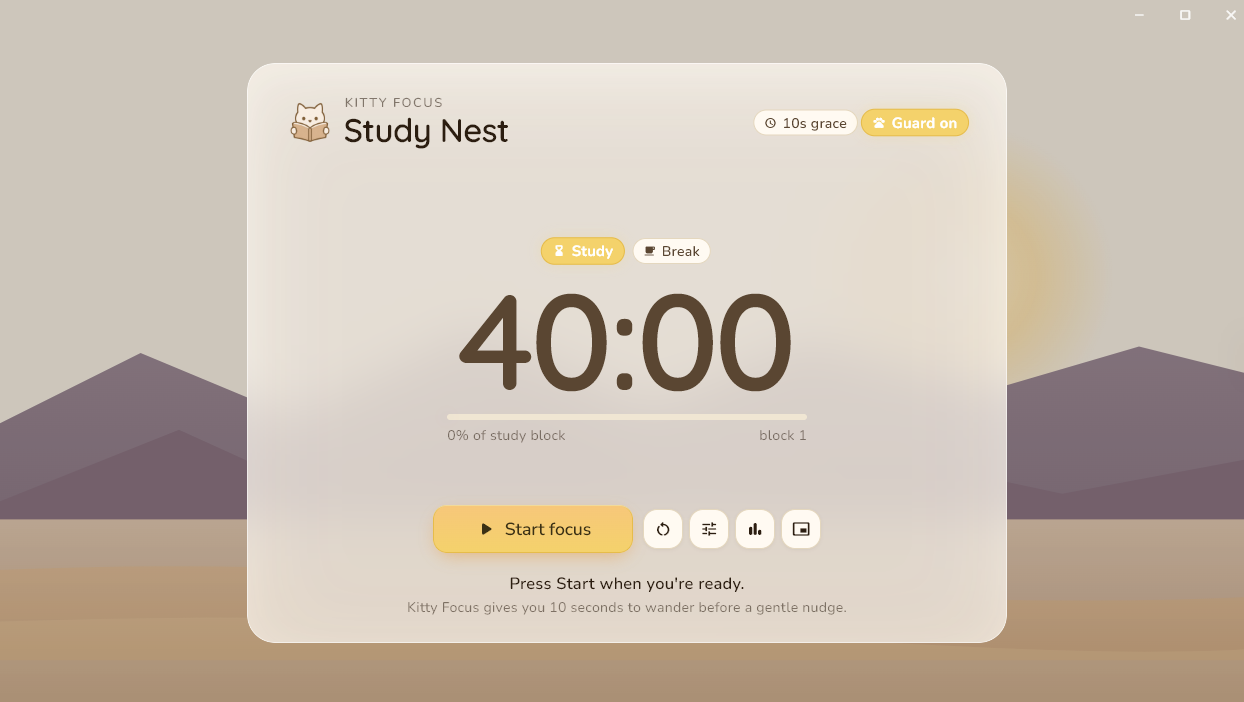
Kitty Focus is a desktop focus timer built for real study sessions. Run custom Pomodoro blocks, get gentle nudges when you wander off task, and track your daily and weekly focus. When you want company, add friends and start a synced session where everyone's timer runs together.
Focus
- Focus timer
- Custom study and break lengths, with completion and break reminders.
- Focus profiles
- Save presets for study length, break length, and allowed sites, then switch between them in a tap. Share a profile with a code.
- Focus Guard
- Optional nudges when you switch to an off-task window during a study block. You choose which apps and sites are allowed.
- Pop-out timer
- A small always-on-top window that keeps your countdown visible while you work.
Friends
- Study with friends
- Add friends and see who's online, studying, or on break in real time.
- Group sessions
- Invite friends into a synced Pomodoro. The host's timer runs everyone's clock, so you start, pause, and break together.
- Privacy controls
- Go invisible whenever you want, and decide whether friends can see your focus stats.
Also in the app
- Stats
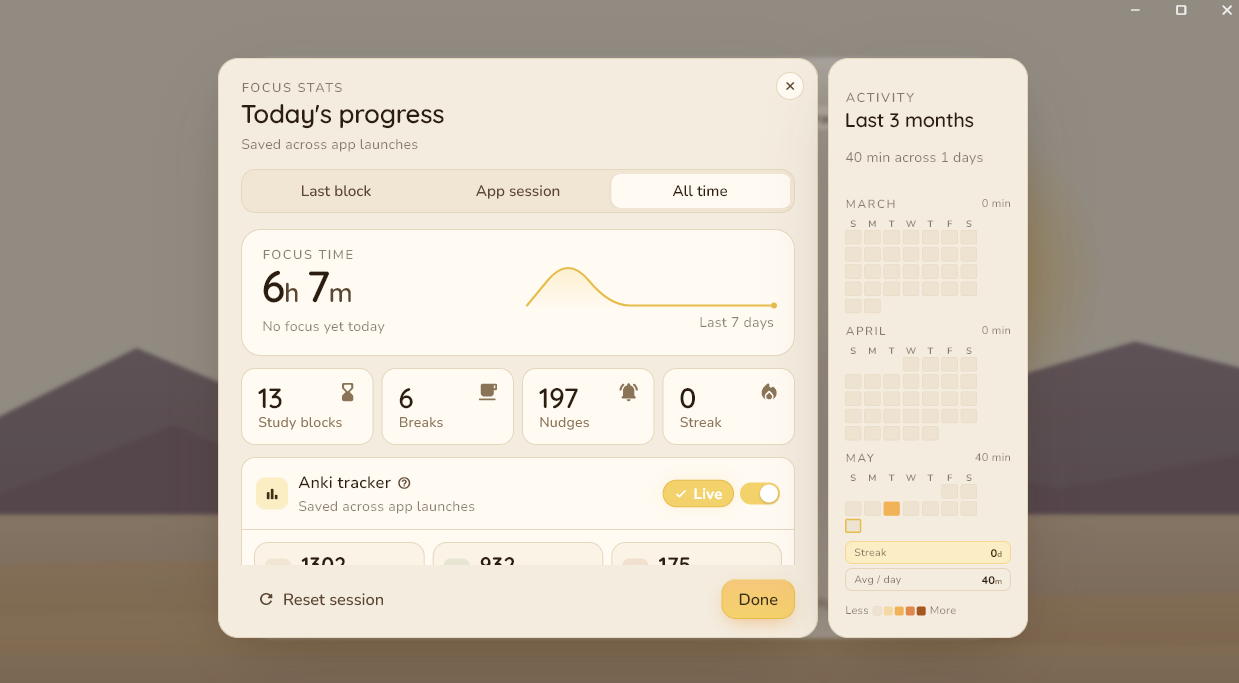
- Daily and weekly focus totals, study blocks, and streaks.
- Notes
- A quick scratchpad with checklists on the home screen.
- Themes
- Light, dark, and Kitty mode.
Changelog
-
Group sessions
- Invite friends into a synced Pomodoro. The host's timer runs everyone's clock, so you start, pause, and break at the same time.
- A live indicator on your timer shows who's studying with you.
- You can leave a session any time, and the host can end it for everyone.
-
Requesting to join
- Ask to join a friend who's already in a session.
- Hosts can set a session to open or private.
- Friend rows now show a study or break icon next to the time left.
-
Friends list
- Add friends with a share code and see who's online, studying, or on break.
- Go invisible when you want to hide your activity.
- Choose whether friends can see your weekly focus time.
-
Side panel
- The friends panel tucks away when the window loses focus and slides back when you return.
- Cleaner status lines and avatars.
- Light, dark, and Kitty themes for the panel.
-
Focus profiles
- Save presets for study length, break length, and allowed sites.
- Switch profiles in a tap.
- Share a profile with a code so others can import it.
-
Focus Guard
- Optional nudges when you switch to an off-task window during a study block.
- Set which apps and sites are allowed.
-
Pop-out timer
- A small always-on-top window so your countdown stays visible while you work.
-
Notes
- A quick scratchpad with checklists on the home screen.
-
Stats
- Daily and weekly focus totals, study blocks, and streaks.
-
Themes
- Added dark mode and Kitty mode.
-
Sounds and reminders
- Session complete and break reminder sounds.
- Small fixes to the timer.
-
First release
- Pomodoro timer with custom study and break lengths.
- Windows version